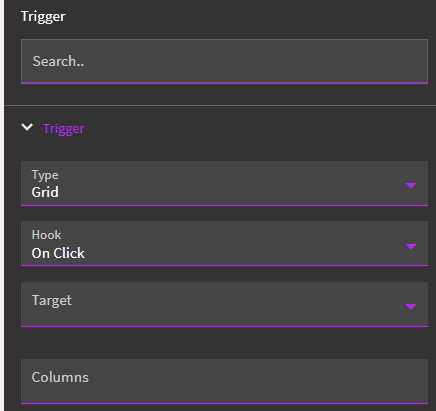
I have a grid which is linked to a dataview. I call an event to get the result from either a baq or a rest-erp action that calls a BAQ
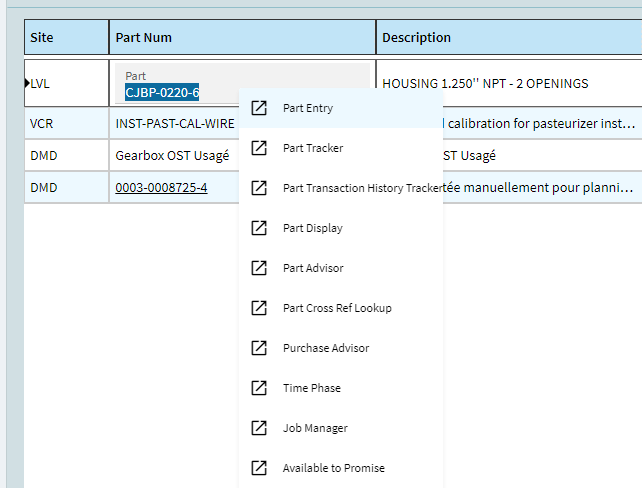
However, in both cases, I don’t see any ‘Open With’ when clicking on a column that has a PartNum for example. It works directly from the Business Activity Query menu but from my custom menu, it doesn’t. Is there any configuration somewhere in Application Studio in the grid object to do this?
I’m on 2022.2.21 if that helps. Not sure if 2023 has these changes
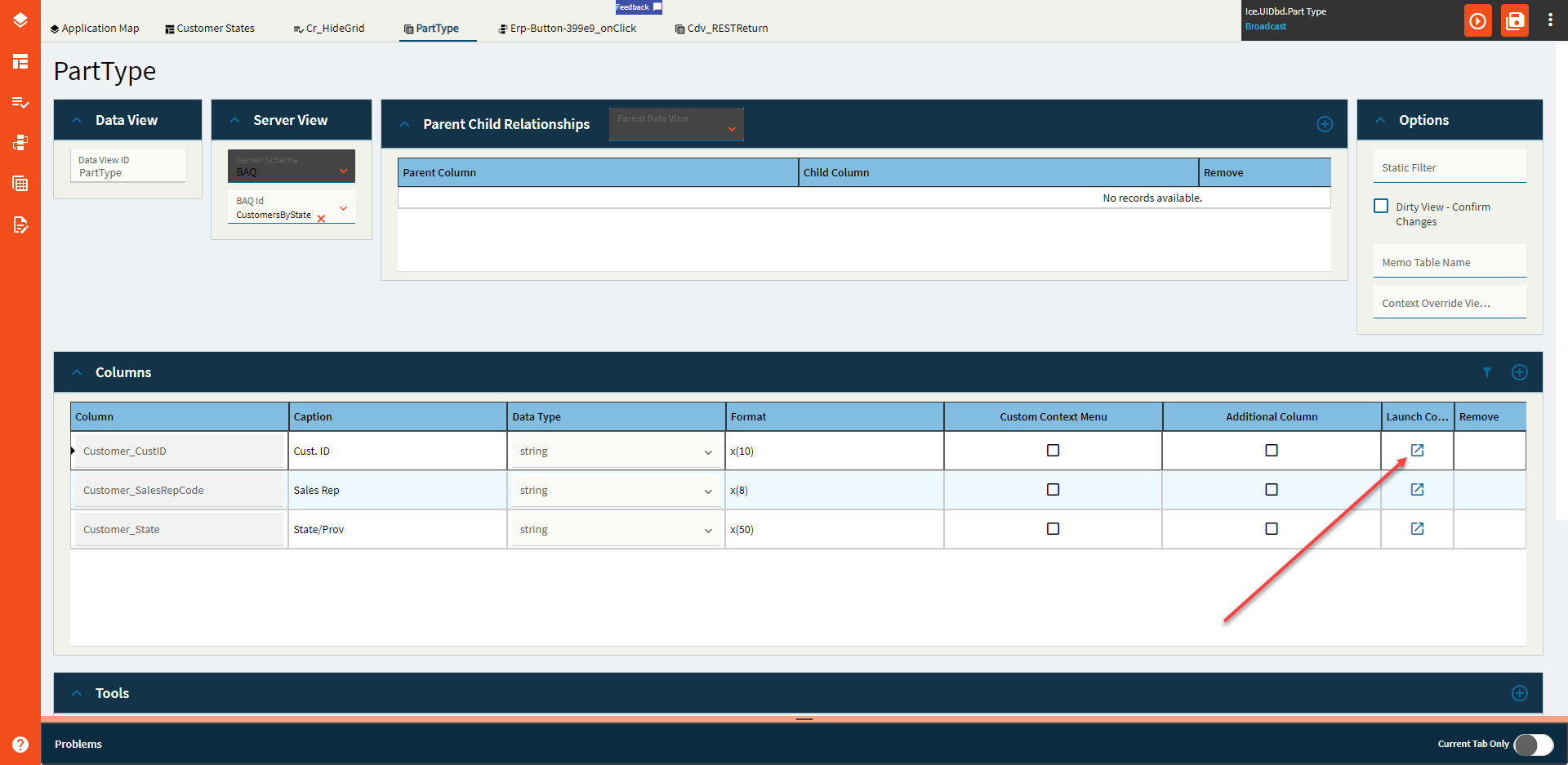
It’s called ‘Is Link’ I believe. In the grid properties for the column.
If I check Is Link, it just becomes a clickable link which leads to nowhere (I guess it would work if my value was an url) so that’s not what I’m looking for
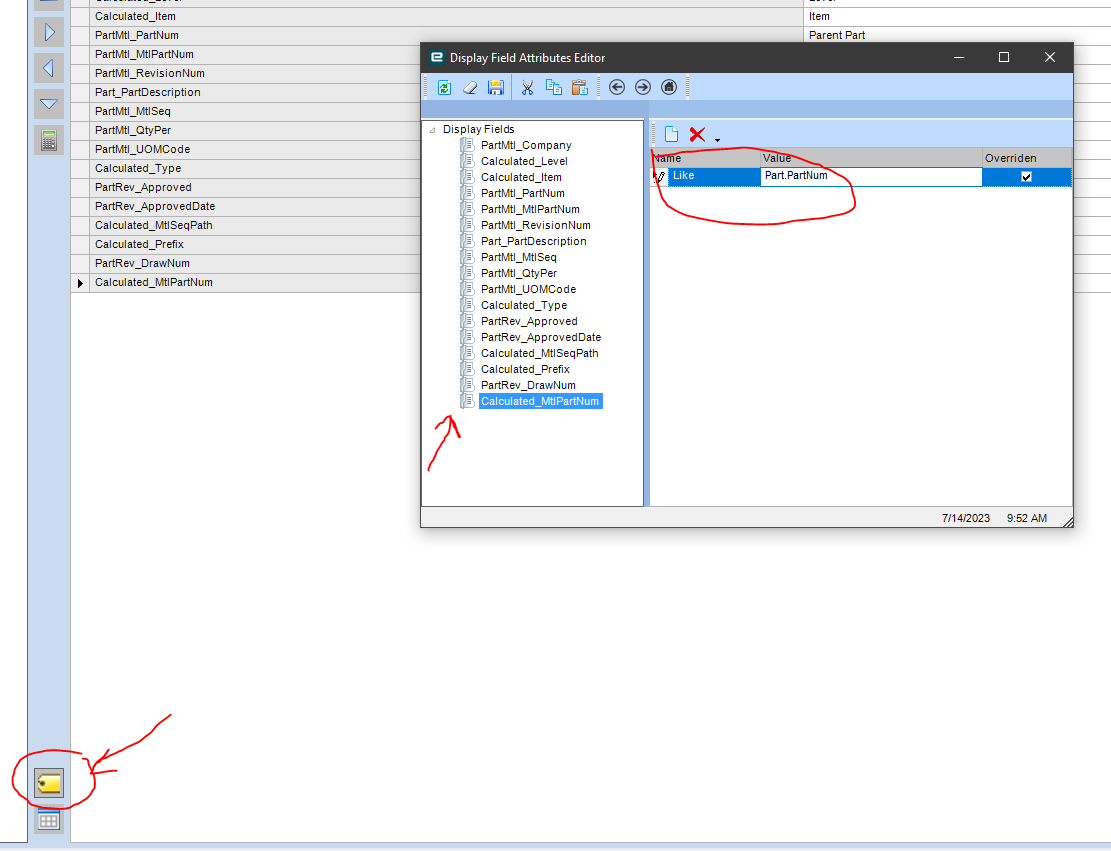
It’s already configured like this since it’s JobMtl.JobNum or JobMtl.PartNum. In the BAQ, in the Analyze tab, it works. However, when adding the BAQ data to my grid via Application Studio, there seems to be no way to specify that
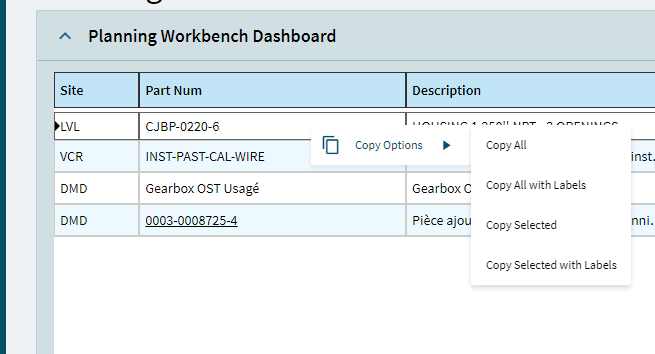
Context Menu is right-click stuff.
Is link turns the column into a hyperlink which you then set up an event listener to do *something*.
You could set it up such at the onClick event launches Part Entry when clicked, for instance.
Is link turns the column into a hyperlink which you then set up an event listener to do something.
You could set it up such at the onClick event launches Part Entry when clicked, for instance.
That’s a great idea and I’m sure I could implement this on other projects.
However, I’m surprised that there doesn’t seems to be a way to create an ‘Open With’ with custom grids so far. I’m definely not creating one event on link click for each column that would need the open with , that seems like too much of a hassle for now
Glad to hear you say that. I was testing it out when I was responding above… but couldn’t get it to work, so I didn’t want to suggest it. Figured I just didn’t know how to set it up (which could still be true!).
I see that option now but for some reason, whatever I enter or try, nothing works. Even opening the slideout is hard since it always move the grid up or down if I click on the ‘launch context menu’ icon
Guess I’ll forget about it for now and wait until it’s updated, thanks !
The only way to make it work is to make the column Editable (And read-only if you don’t want people to edit that field). That way, when you click on the row, you can then click on the column and the open with works with the same configuration as in the BAQ
Is that normal that we need to make columns editable to make the Open With works??
Sorry to Necro this old thread, but I just want to point out that I’m still having this exact issue with Kinetic Dashboards in version 2025.2.14.
Some other notes about this issue: Often times, you have to left-click into the field for the right click context menu to open up. Also, the context menu seems to work either way (editable or not) in the Application Studio Preview, which is very misleading and then breaks once it’s published.
Would be really nice if the only workaround wasn’t making the column editable, as this workaround takes awhile, and I have to manually set editable on the grid, and then not-editable on each and every column in the grid.
Yeah it’s really annoying me too ! Having to make a column editable and then create a row rule just to disable the editing is wasting our time and it’s also not working as smooth as it could for the users
Sorry to necro this post, but we don’t need a whole new post for this. When you turn on IsLink, and the part number turns into a hyperlink, where do I access the onClick event for that?